
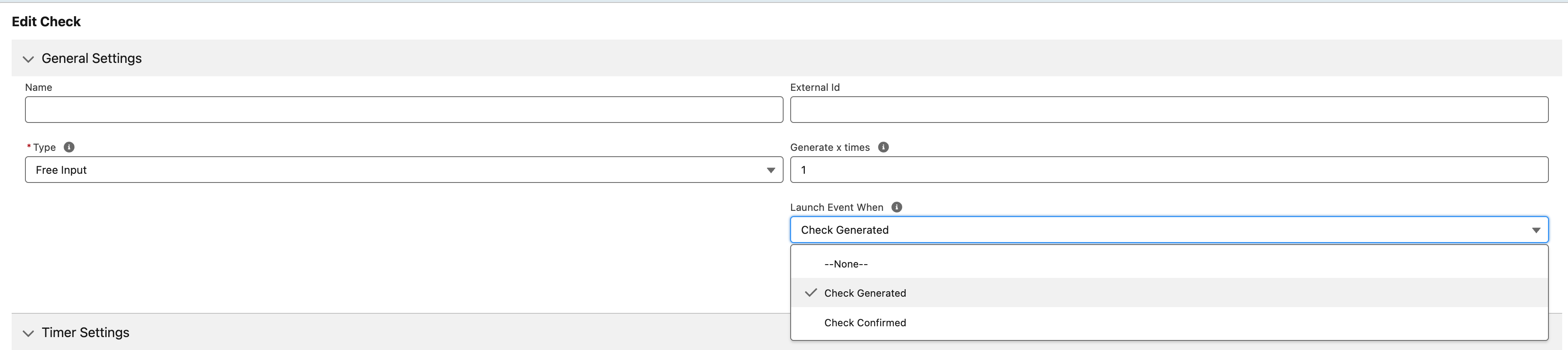
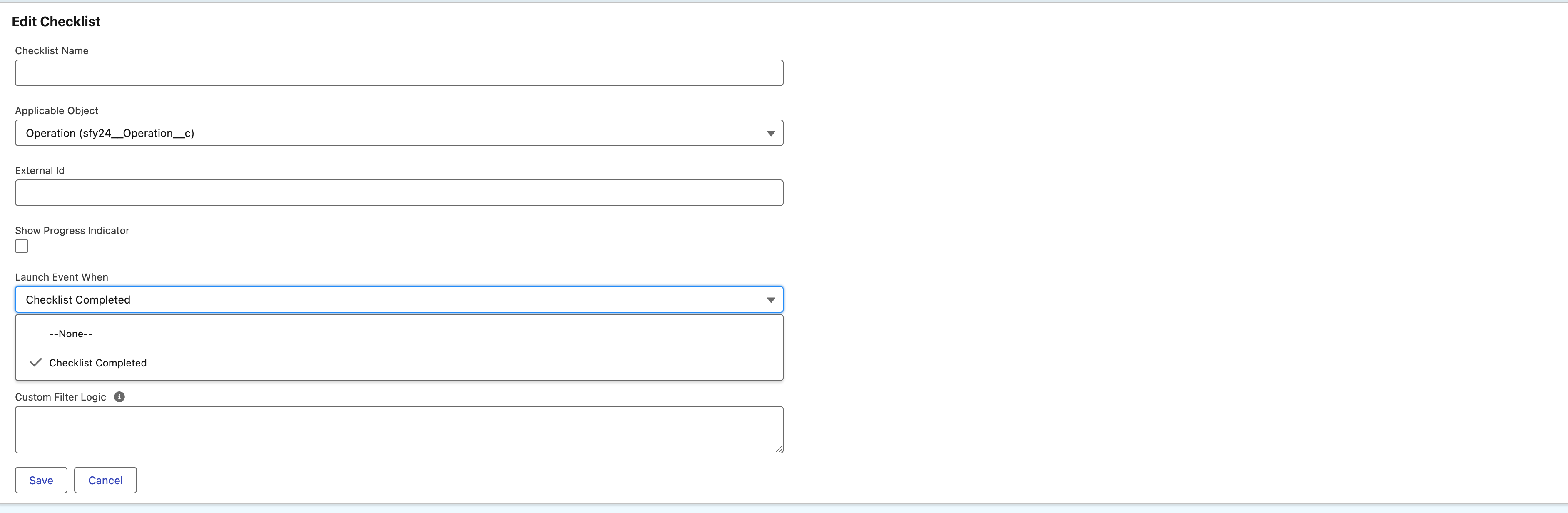
Make sure to select the relevant platform events on the check and/or checklist records.
Platform Events
24Checklist supports the following Platform Events:
-
Check Event:
-
Check generated: Launch a Salesforce platform event when the check has been generated within a specific checklist at the moment the checklist is created for a specific record.
.jpg?cb=f0834cda4a3b14562178614f67a63fb5)
-
Check confirmed: Launch a Salesforce platform event when the user has completed and confirmed the check for a specific checklist.
.jpg?cb=8c1b119f4c6af83e5e4d0b780befffae)
-
-
Checklist Completed Event: Event indicates that a checklist has been completed.
-
Checklist Range Breach Event: Event indicates that a range breach occurred. Please see the section below for a practical example on how to integrate in a Flow.
-
Checklist Timer Breach Event: Event that indicates that the timer threshold has been exceeded and a user input has not been entered and confirmed.
-
Checklist Update Event: DEPRECATED.
Retrieve the triggered Check Escalation Value records
The record ids of the different check range breaches are stored in field sfy24__EscalationValueIds__c in a sfy24__Checklist_Range_Breach_e record and separated by a comma. In Flow, you can separate them via our managed Apex Action “Split a string by a string”.
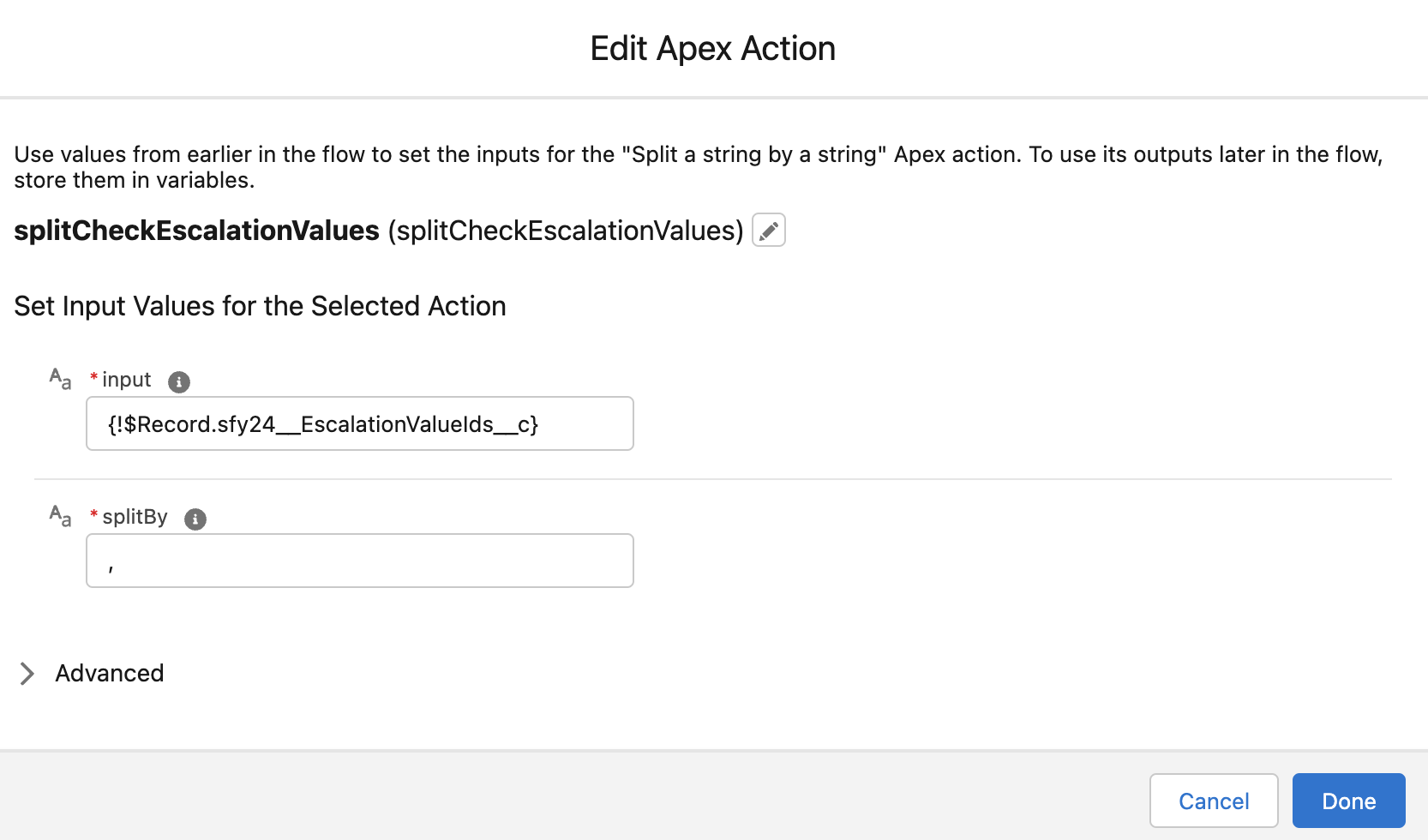
In order to retrieve the corresponding Check Escalation Value records simply add a Get Records element where the record Id is In the Text Collection variable defined in the “Split a string by a string” apex action.
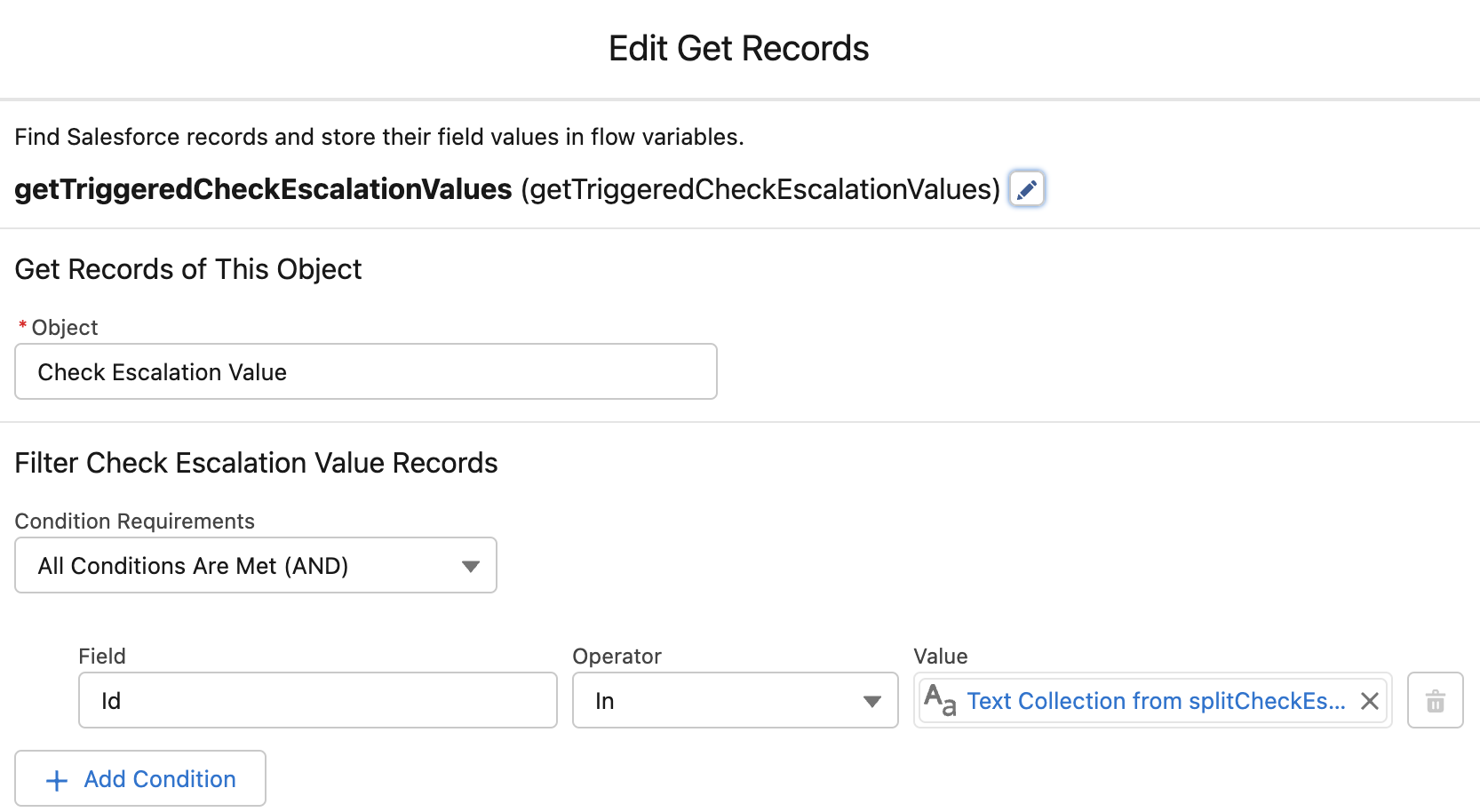
Once you have the relevant Check Escalation Value records, you can create your own Flow logic.