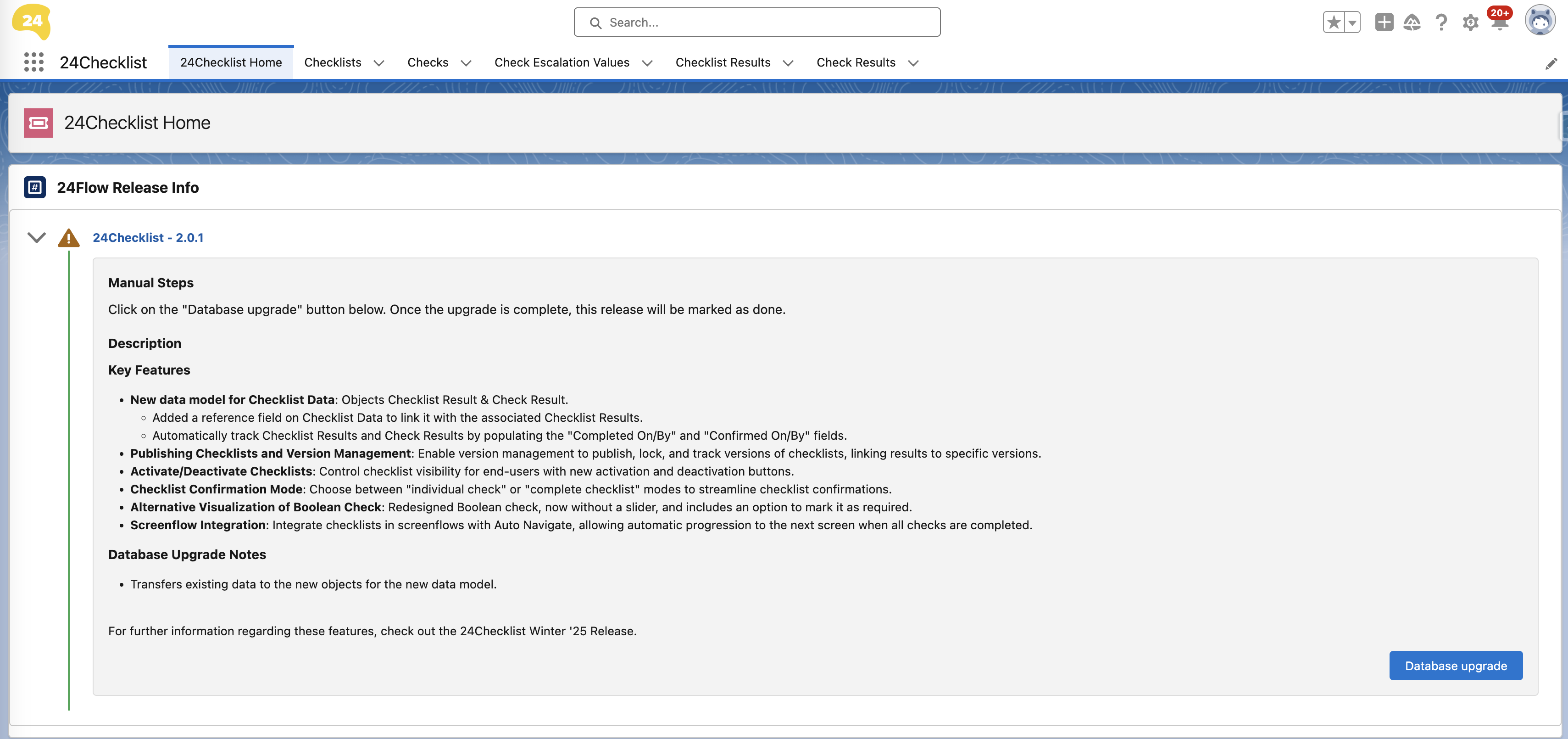
After installing the app, you can open the 24Checklist manager via the App Launcher. This is the app that will allow you to define new checks and checklists, as well as to specify when these checklists should be presented to users.
The home tab in the 24Checklist app (see an example screenshot below) provides release information and may also contain upgrade instructions you need to perform in order to use this particular release. Please follow these instructions prior to further exploring the 24Checklist app.